


Crack open a Cat6 Ethernet cable and you’ll find eight tiny copper wires in different colors. They’re not there for decoration — and they’re definitely not interchangeable.
Many people assume Ethernet cables are simple: plug them in, and data flows. In reality, the exact color order, pairing, and twisting of those wires directly determines whether your network runs at full speed, drops to 100 Mbps, or doesn’t work at all.
Let’s break down what each colored pair actually does, why the order matters, and what goes wrong when it isn’t done correctly.

Ethernet Uses Pairs, Not Individual Wires
Inside every standard Ethernet cable are four twisted pairs:
- Orange pair
- Green pair
- Blue pair
- Brown pair
Each pair consists of:
- One solid-color wire
- One white wire with a matching color stripe
They’re twisted together for a reason: noise cancellation. Ethernet uses differential signaling, meaning each wire carries an inverted version of the same signal. The receiving device reads the difference between them, filtering out electrical interference along the way.
Different pairs are twisted at different rates, which prevents crosstalk between neighboring pairs inside the cable.
What Each Color Pair Actually Does
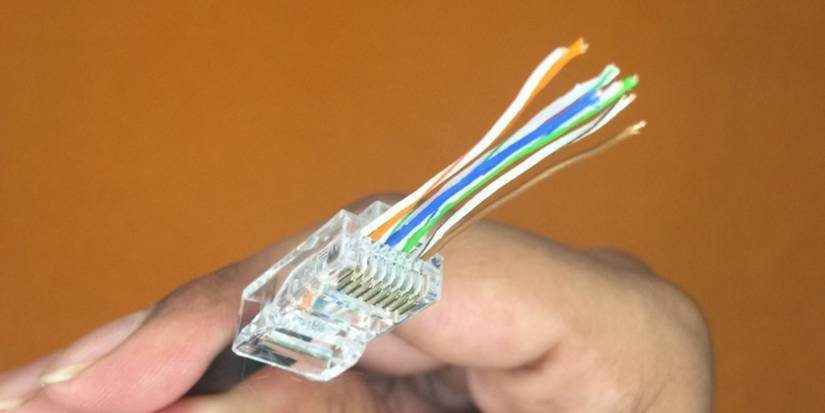
Here’s how the pairs are used in a typical Cat6 Ethernet cable:
| Color Pair | Pin Numbers | Role | Speed Support |
|---|---|---|---|
| 🟠 Orange (Pair 2) | 1–2 | Transmit + / − | All speeds |
| 🟢 Green (Pair 3) | 3–6 | Receive + / − | All speeds |
| 🔵 Blue (Pair 1) | 4–5 | Bi-directional data | Gigabit and above |
| 🟤 Brown (Pair 4) | 7–8 | Bi-directional data | Gigabit and above |
Why this matters:
- 10/100 Mbps Ethernet uses only two pairs (orange and green)
- Gigabit Ethernet (1000 Mbps) activates all four pairs simultaneously
- Faster speeds mean tighter tolerances — mistakes that “worked” at 100 Mbps often fail at Gigabit
This is why a cable can appear functional but never exceed 100 Mbps.
Why the Wiring Order (T568B) Is So Important

Most modern Ethernet cables follow the T568B wiring standard, which defines this pin order:
- White-Orange
- Orange
- White-Green
- Blue
- White-Blue
- Green
- White-Brown
- Brown
There is another standard (T568A), but T568B is overwhelmingly used in homes and offices. What matters most is both ends of the cable must match.
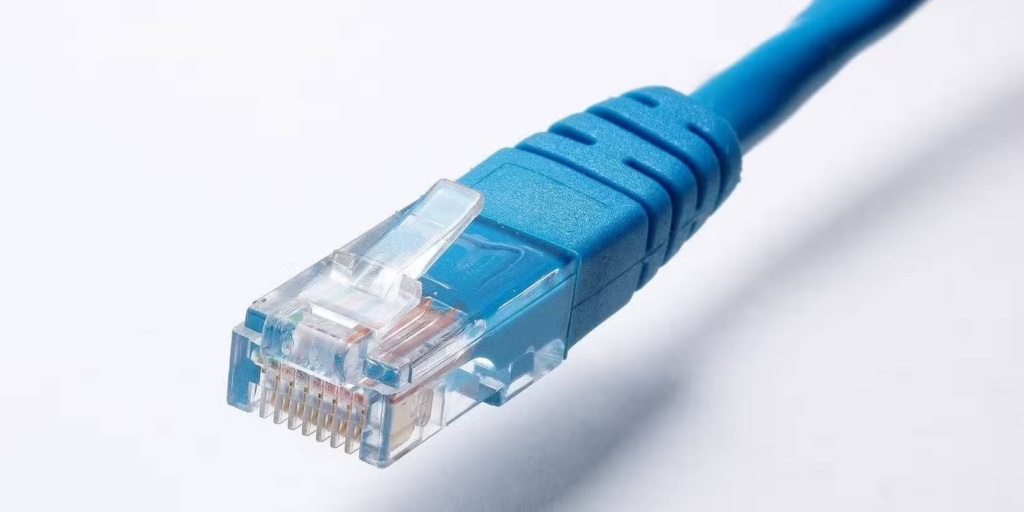
Crossed or mixed standards lead to:
- No network link
- Intermittent dropouts
- Devices stuck at 100 Mbps
- Gigabit instability
Modern devices can auto-detect straight vs crossover cables, but they cannot fix bad pair placement.
A simple cable tester can save hours of frustration by showing exactly which wire is out of place.
It’s Not Just Copper — Cable Construction Matters

Solid vs stranded wire
- Solid core: best for permanent in-wall runs
- Stranded wire: flexible, ideal for patch cables
Wire thickness (AWG)
- Cat6 typically uses 23 AWG (thicker)
- Cat5e often uses 24 AWG
- Thicker wire supports longer runs and higher speeds with less signal loss
Internal separation
- Cat6 cables often include a plastic spline that physically separates the pairs
- Cat5e does not
- Cat6a goes further with tighter twists and shielding for 10-Gigabit Ethernet
All of these details reduce interference and improve signal integrity at high speeds.
What Happens When Wires Are Wrong
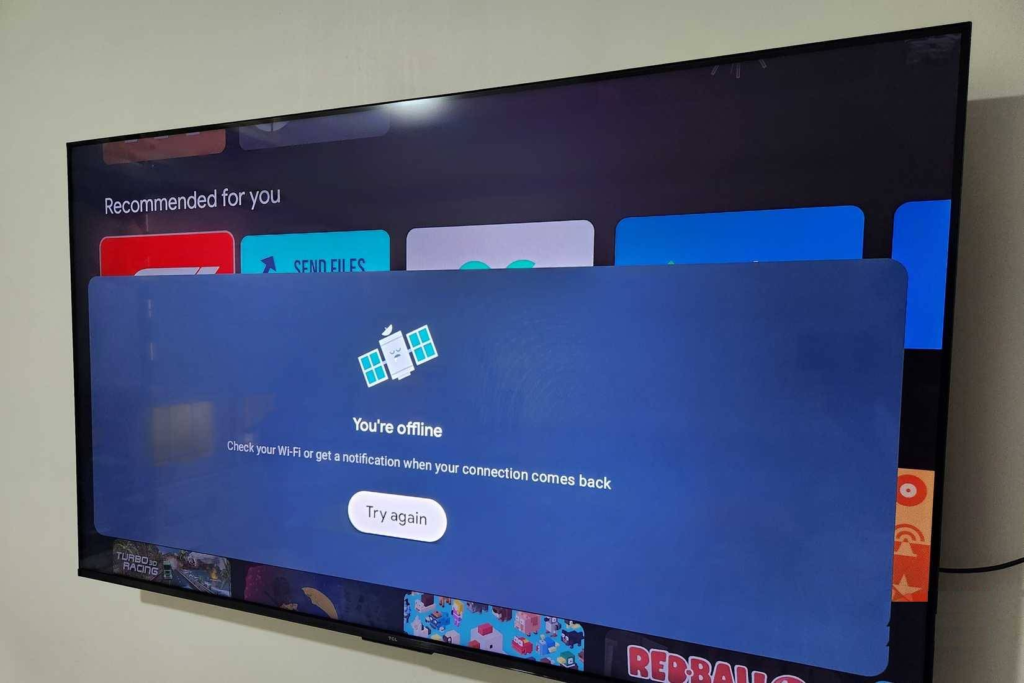
Bad crimps and incorrect pairing cause some of the most confusing network problems:
- No link lights
- Smart TVs refusing to connect
- Random disconnects
- Full speed at 100 Mbps but unstable at Gigabit
- Cable “works” until load increases
Common mistakes include:
- Mixing striped and solid wires in a pair
- Swapping orange and green pairs
- Not pushing wires fully into the connector
- Crimp pins failing to pierce insulation properly
Even with correct color order, a poor physical crimp can kill performance.
Why Understanding This Actually Helps You
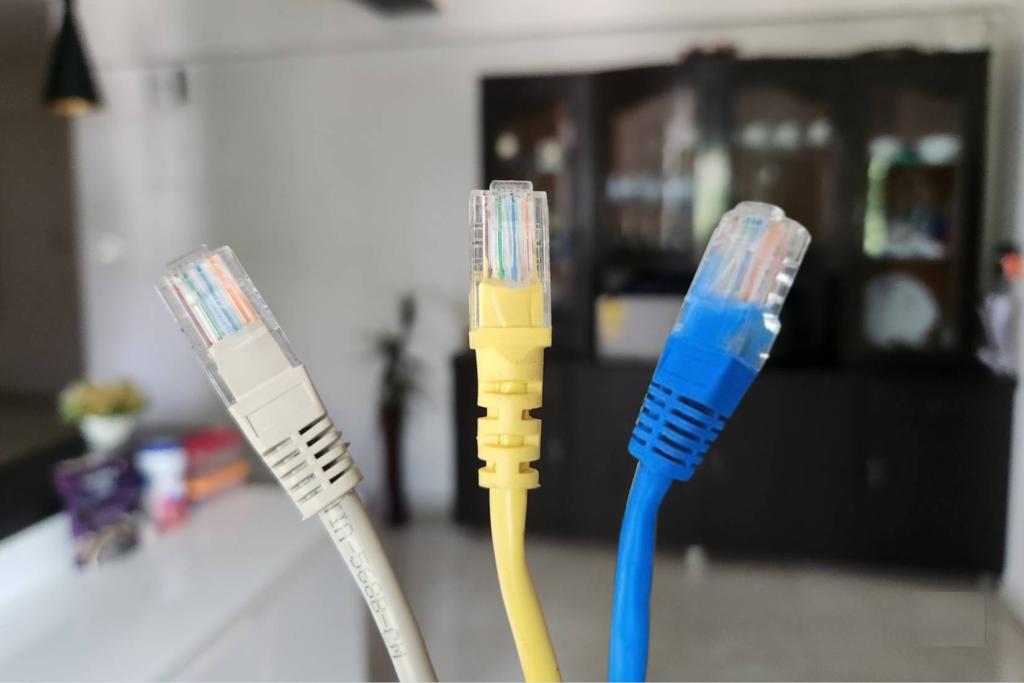
Knowing how Ethernet cables work isn’t just for people who make their own cables.
It helps you:
- Diagnose network speed problems faster
- Understand why cheap cables underperform
- Avoid damaging cables during wall installations
- Maintain proper bend radius and strain relief
- Understand how Power over Ethernet (PoE) works
- Older standards used “unused” pairs
- Newer PoE spreads power across all four pairs while data flows
Ethernet isn’t magic — it’s precise electrical engineering packed into eight tiny wires.
The Bottom Line
Every colored wire inside an Ethernet cable has a job. Ignore the rules, and the network lets you know — sometimes subtly, sometimes brutally.
Once you understand pairing, twisting, and standards, you stop treating Ethernet cables like simple cords and start seeing them as what they really are: high-speed data transmission systems that demand accuracy.
And that knowledge alone can save you time, money, and a lot of unexplained network headaches.





'%3e%3cg id='Final-Copy-2_2_' transform='translate(1275.000000, 200.000000)'%3e%3cpath class='st0' d='M7.4,12.8h6.8l3.1-11.6H7.4C4.2,1.2,1.6,3.8,1.6,7S4.2,12.8,7.4,12.8z'/%3e%3c/g%3e%3c/g%3e%3c/g%3e%3cg id='final---dec.11-2020'%3e%3cg id='_x30_208-our-toggle' transform='translate(-1275.000000, -200.000000)'%3e%3cg id='Final-Copy-2' transform='translate(1275.000000, 200.000000)'%3e%3cpath class='st1' d='M22.6,0H7.4c-3.9,0-7,3.1-7,7s3.1,7,7,7h15.2c3.9,0,7-3.1,7-7S26.4,0,22.6,0z M1.6,7c0-3.2,2.6-5.8,5.8-5.8 h9.9l-3.1,11.6H7.4C4.2,12.8,1.6,10.2,1.6,7z'/%3e%3cpath id='x' class='st2' d='M24.6,4c0.2,0.2,0.2,0.6,0,0.8l0,0L22.5,7l2.2,2.2c0.2,0.2,0.2,0.6,0,0.8c-0.2,0.2-0.6,0.2-0.8,0 l0,0l-2.2-2.2L19.5,10c-0.2,0.2-0.6,0.2-0.8,0c-0.2-0.2-0.2-0.6,0-0.8l0,0L20.8,7l-2.2-2.2c-0.2-0.2-0.2-0.6,0-0.8 c0.2-0.2,0.6-0.2,0.8,0l0,0l2.2,2.2L23.8,4C24,3.8,24.4,3.8,24.6,4z'/%3e%3cpath id='y' class='st3' d='M12.7,4.1c0.2,0.2,0.3,0.6,0.1,0.8l0,0L8.6,9.8C8.5,9.9,8.4,10,8.3,10c-0.2,0.1-0.5,0.1-0.7-0.1l0,0 L5.4,7.7c-0.2-0.2-0.2-0.6,0-0.8c0.2-0.2,0.6-0.2,0.8,0l0,0L8,8.6l3.8-4.5C12,3.9,12.4,3.9,12.7,4.1z'/%3e%3c/g%3e%3c/g%3e%3c/g%3e%3c/g%3e%3c/svg%3e)


0 comments